

Cold emails are a bit like gambling. You’re most likely to not get what you want, but you just might.
I’ve got a bit of a history with cold emails. In the past few years, I’ve used cold emails to:
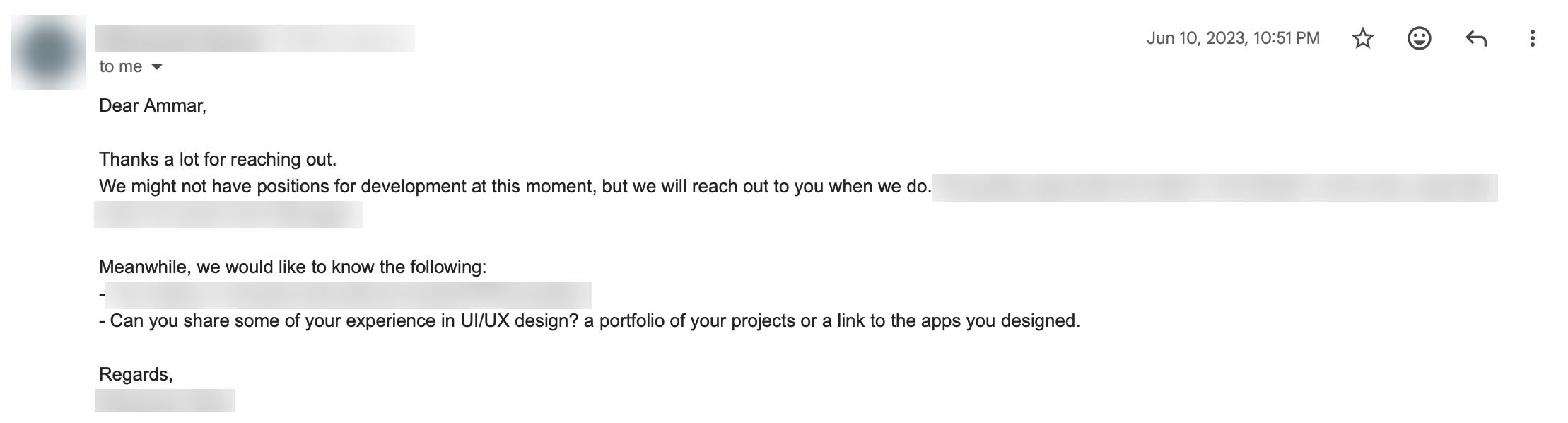
2023: land my first ever internship (yes, it was paid)
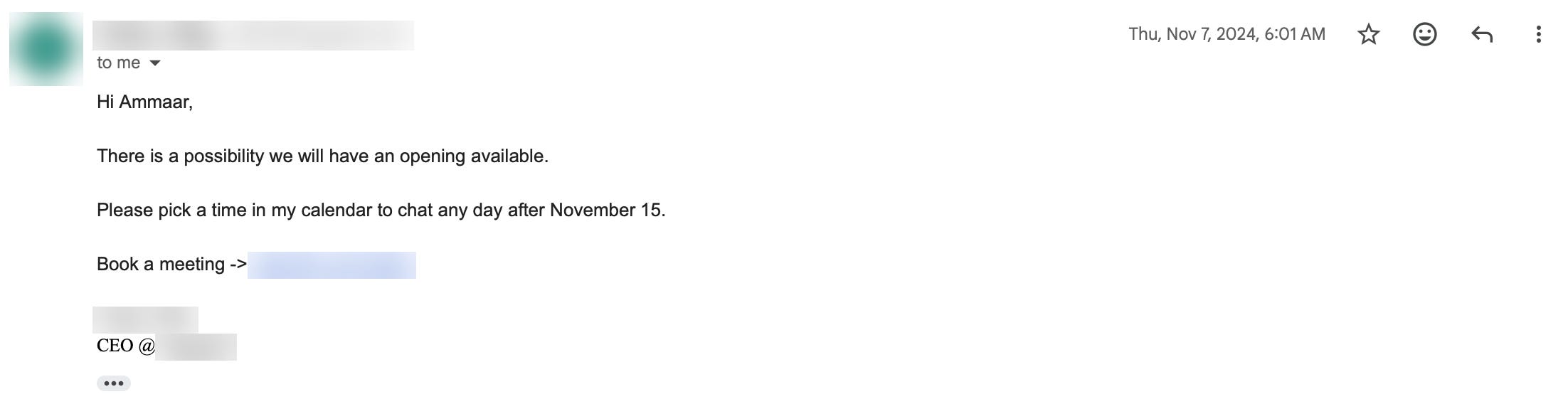
2024: get senior colleagues to mentor me at my second internship
2024: land another internship (in product management)
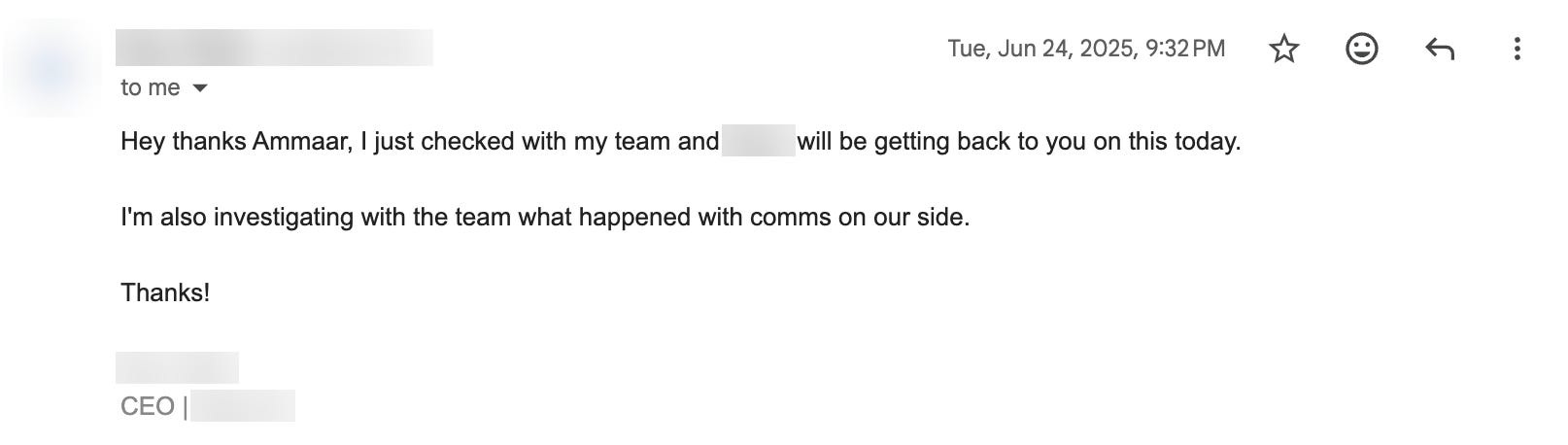
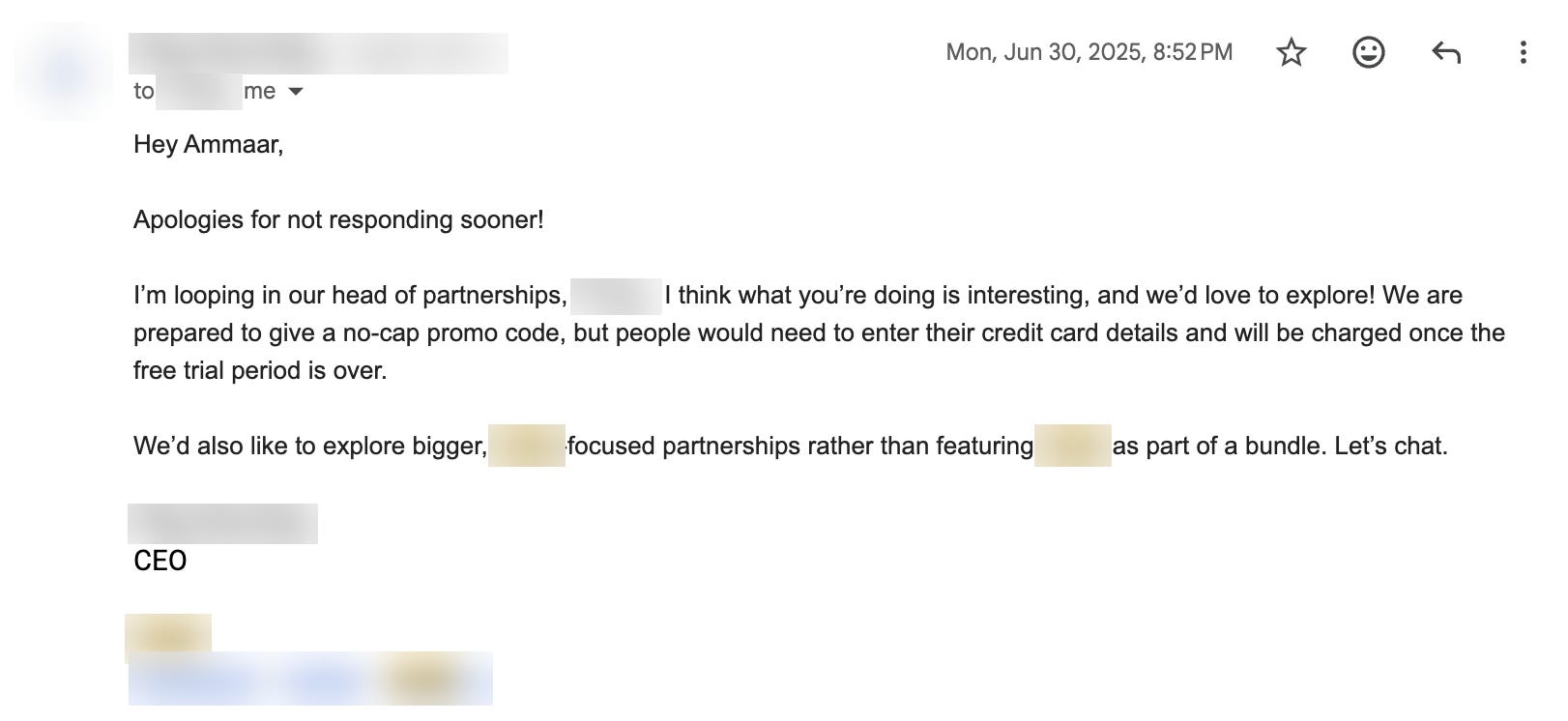
2025: partner with 9 apps in a particular niche (for my prev. startup)
Got a few CEOs to respond, which was cool
2026: get information on a niche program from incubators & VCs in a different country
If you’ve written cold emails in the pre-AI era, you’d know that it’s actually pretty time intensive to write these emails. Writing is also only one aspect of it: you also need to find relevant folks who are worth emailing in the first place, and research them. It’s like writing custom cover letters when applying for jobs. But of course, if it works, you’ve won the lottery.
For the first 4 of the bullet points I listed, I did most of the process manually. Googling, opening webpages in new tabs, endless scrolling and switching tabs. It took a LOOOT of time. But for that 5th bullet point, I got the same quality of results and invested a fraction of the time. That was because Claude Code + Chrome access actually got really good. So the manual research and custom emails that used to take 3 hours now happen in an hour, and most of that hour is writing a good prompt and reviewing the emails.
So, here’s how it works.
The results
In January 2026, Claude found 25 to 30 people for my list, each one with a source. I emailed about 20 of them, reading and sending every one myself. 7 replied, and several of those replies came with intros.
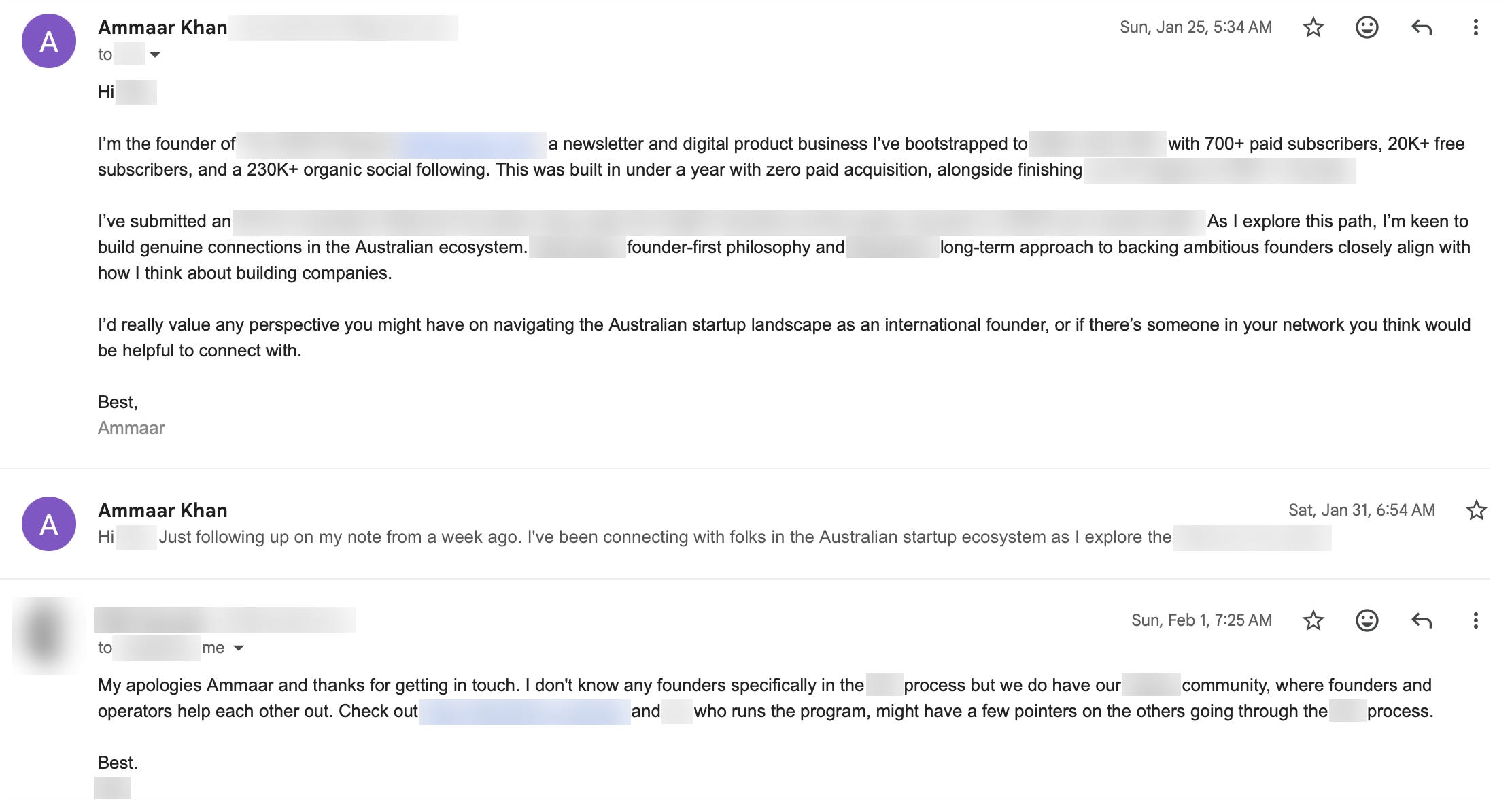
This one didn’t answer my question directly. It came the day after my follow-up, which I sent 6 days after the first email, and it pointed me to their founder community and the person who runs it.
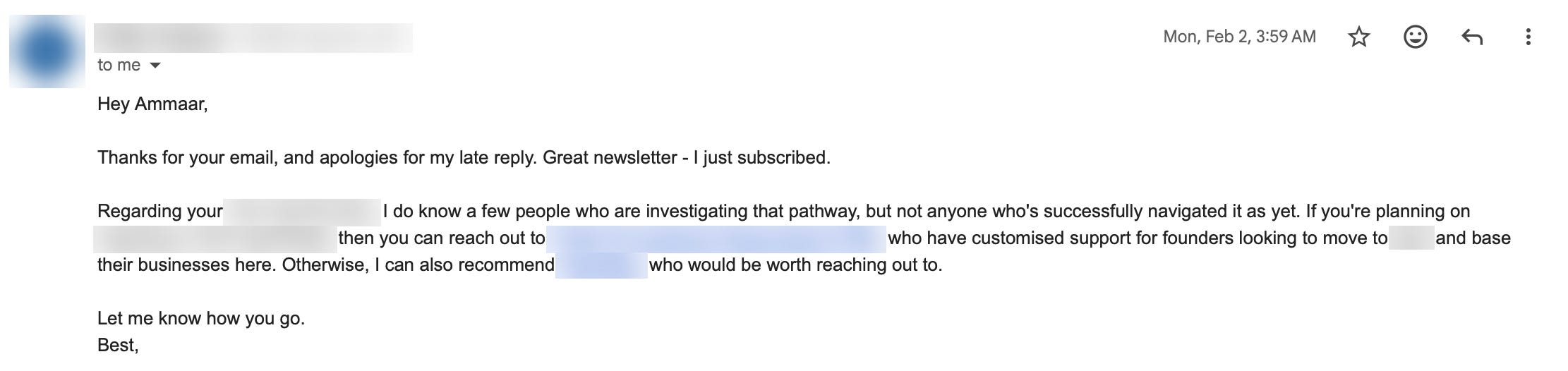
She read my newsletter, subscribed, then named two organizations worth contacting.
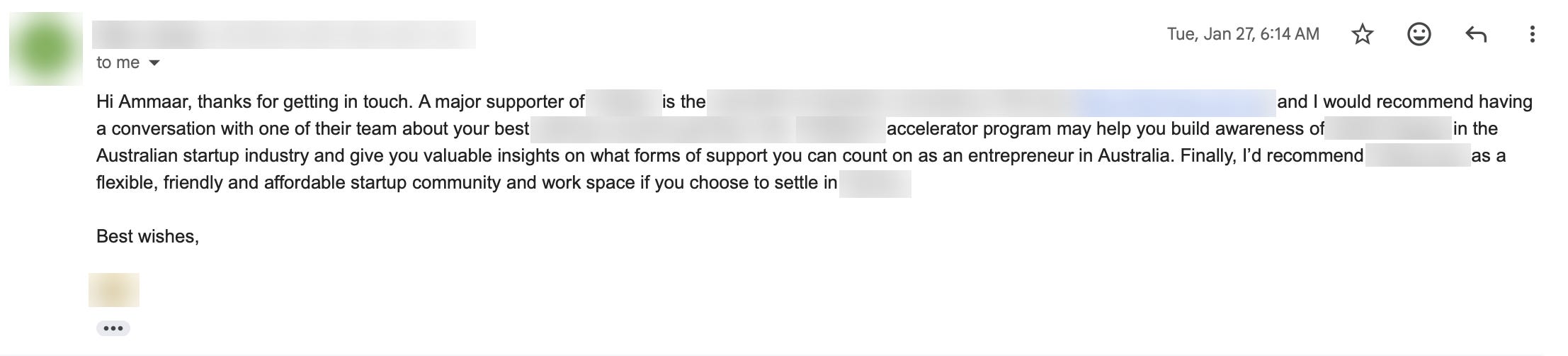
Three organizations to contact in one reply, and each one became a new row on my list.
Why it works
Every email establishes credibility first, then asks for something small.
The ask is small. A pointer or a referral. It’s specific and easy for them to say yes or no.
The numbers are concrete. Real metrics, written once in a file so they never drift between emails.
One line is personal. Every email has one genuine sentence about the person or company.
1. One folder, one brain file
Everything for the campaign sits in one folder. At the top is a file called CLAUDE.md, which Claude Code reads every time I open the folder, so I never re-explain anything.
campaign-folder/
  CLAUDE.md                   the brain
  Target List.md
  Weekly Progress Tracker.txt
  [Name] - Call Notes.txt
  Supporting Docs/
  .claude/settings.local.json
CLAUDE.md holds who I am, my numbers, the one approved email, the rules, and who I’ve contacted.
2. Claude builds the list
I give Claude 2 or 3 seed pages to start from, like an accelerator’s mentor page or a conference speaker list. It follows the links from there and reads LinkedIn profiles, team pages and articles in my own Chrome, where I’m already logged in. Simpler web tools get blocked on these pages.
It comes back with 25 to 30 people, one row each: name, role, organization, 2 to 3 sentences on why they’re relevant (with specifics read off the actual page), the best way to contact them, and the source URL.
The source URL matters most. Every personalized sentence in an email comes from that row, so Claude can’t make one up. If it can’t find anything specific about someone, the row says “no specific found.”
Different seed pages surface different people, so I run two or three passes from different seeds and remove duplicates.
3. One email, cloned forever
The approved email is four short paragraphs, under 200 words:
Who I am and my numbers, plus what makes them impressive (how fast, or what I was juggling alongside it).
What I’m doing and why them. This is where the one personalised line goes.
A small ask: a pointer or a referral.
Sign off.
I wrote the first one by hand and sent it for real. Only then did it become the template Claude copies.
4. Claude drafts, I send
Claude opens a pre-filled email in my mail app. I read it, tweak it, and send it from my own account.
Sending it myself means every email gets a human read, and every email lands in my real Sent folder. That second part is what lets Claude track replies.
5. Replies feed the machine
Claude checks my Gmail and logs every reply. After each one it:
moves the person to “Responded”
logs what they offered
adds every name they mention as a new target
starts the email to each of them with “[Name] suggested I reach out”
saves anything the reply taught me as a new rule
A no or a hedge becomes a rule too. If someone declines a broad intro, the next emails ask for something specific, like “do you know anyone who has been through X?”
3 to 6 days of silence gets one follow-up, three sentences long. Then I leave them alone.
What actually got replies
Contact methods, best first:
A direct email, found publicly
hello@ or team@ addresses (these worked more often than I expected)
Web contact forms (low reply rate)
LinkedIn or X DMs (these don’t show up in Gmail, so I log them by hand)
Public posts in relevant groups
Start with the people who know everyone: connectors and program managers. They gave me the best replies, and their intros warm up the big names you email later.
The subject line says what you are, like “ADHD newsletter founder”. Never “quick question” or “intro”. A good hack I read somewhere is to word the subject line as if it’s an internal email.
The files
Six files do the work:
CLAUDE.md: the brain. Profile, numbers, email, rules and log. Claude updates it after every send and reply.
Target List.md: one row per person, each with a source URL. Claude fills it while browsing.
Weekly Progress Tracker.txt: a four-week plan and weekly check-in. I update it when Claude asks.
[Name] - Call Notes.txt: notes from any call the emails lead to. We both add to it.
Supporting Docs/: my one-pager, CV, and anything I link or attach.
.claude/settings.local.json: pre-approved Gmail and web search access. I set it once.
There’s no spreadsheet. Who’s replied, who’s waiting and who’s next all live in CLAUDE.md, so Claude checks it before drafting the next email.
Set it up yourself
You need Claude Code signed in with a Claude account (Pro, Max, Team or Enterprise) and the Claude in Chrome extension. If you add Gmail as a connector on claude.ai, it shows up in Claude Code automatically and Claude can check your replies. Without it, you paste replies into the chat.
Make a folder for the campaign and drop Cold-Outreach-Playbook.pdf into it.
Open Claude Code in the folder with
claude --chromeand paste this:
Read Cold-Outreach-Playbook.pdf and set up this campaign with me.
Write the first email yourself and send it once for real. Only then does it become the template.

How are you using AI?
Comment below and let me know. Alternatively, come chat with me.